

Windows Server 2012R2默认PowerShell版本是4,检查命令:$PSVersionTable
其中PSVersion为当前版本号
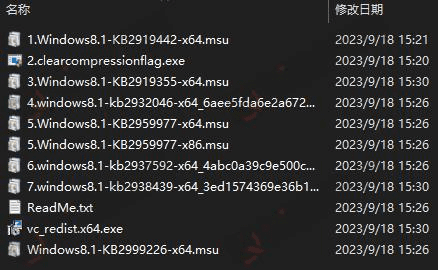
升级的话,需要先安装Widows Management Framework (WMF),
WMF5.1介绍:
https://learn.microsoft.com/zh-cn/powershell/scripting/windows-powershell/wmf-overview?view=powershell-7.4
WMF5.1下载:
我们是WIN2012R2系统 下载Win8.1AndW2K12R2-KB3191564-x64.msu安装即可,安装后需重启服务器
下载PowerShell 7安装:
https://learn.microsoft.com/zh-cn/powershell/scripting/install/installing-powershell-on-windows?view=powershell-7.4
下载msi格式的安装
完成后实际上PowerShell升级成5.1
© 版权声明
文章版权归作者所有,未经允许请勿转载。
THE END

![数据库批量替换插件正式发布、一键换域名工具[插件发布]-优选小栈](https://www.csweb.cn/wp-content/uploads/2026/03/image-32.webp)





暂无评论内容